September 2026
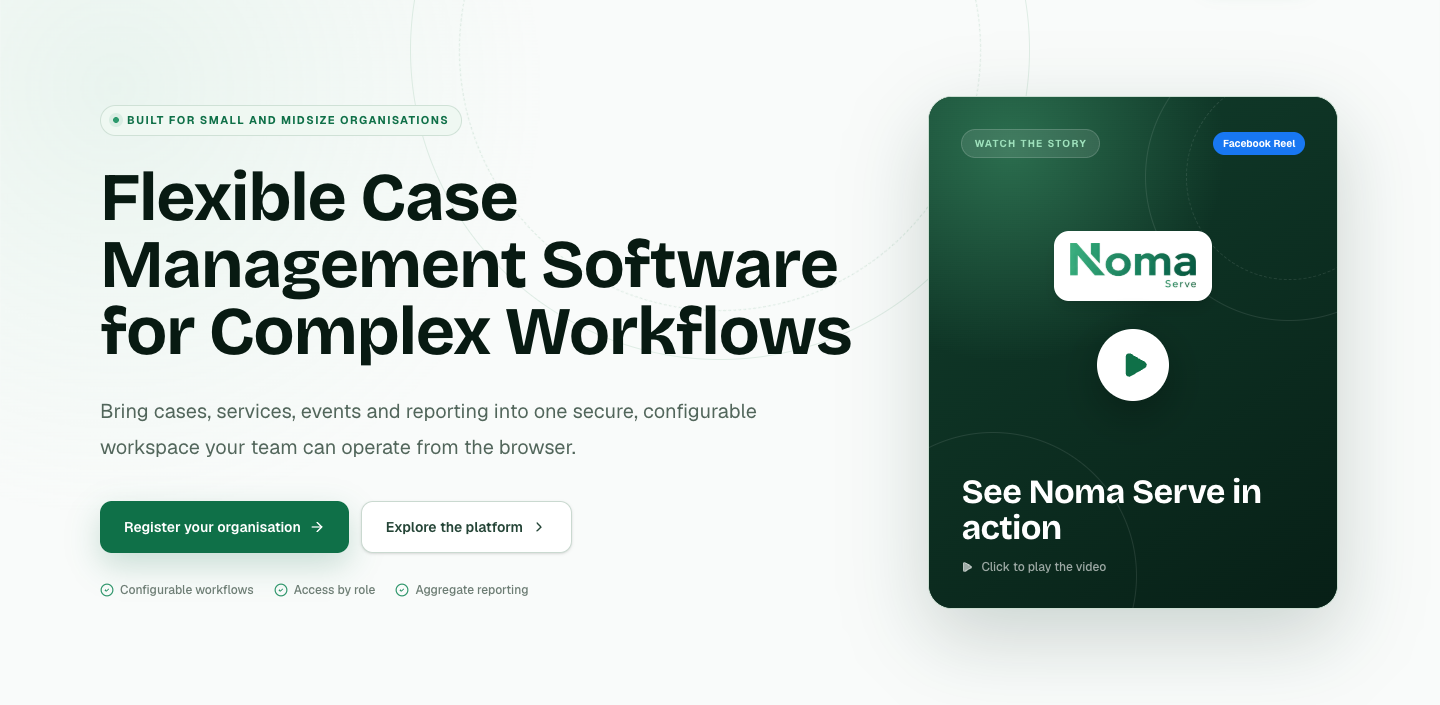
At CreateGo, we developed Noma for organizations that provide support in their communities and need a clearer way to manage that work. Noma is case management software that connects beneficiary records, the services people receive and the next steps a team needs to take. We designed it to be simple in daily use, adaptable to each organization and accessible to teams around the world.
Supporting someone rarely ends with a single form. A person may need several services, a follow-up appointment or help from more than one team member. Without a connected record, staff spend time piecing together information instead of using it to plan support. Noma brings this work together so a team can understand where each beneficiary is in the process and what needs to happen next.
Noma gives organizations one place to keep beneficiary information and follow a case through its stages. Teams can record the support a person has received, identify outstanding needs and maintain a clear record as the case develops. The aim is practical: make it easier for the people delivering support to stay organized and for colleagues to continue the work with the context they need.
Many community organizations begin with tools such as Google Forms. Forms are useful for collecting information, but an ongoing support relationship needs more than a list of submissions. We built Noma to connect intake with beneficiary records and case management, helping teams turn the information they collect into a process they can follow and update over time.
Not every interaction needs the same workflow. An organization may deliver a service once, offer it repeatedly or support a person over a longer period. Noma is designed to help teams keep track of these different kinds of support. Events and planning sit alongside beneficiary and service records, so community activities and individual follow-up can be managed together.
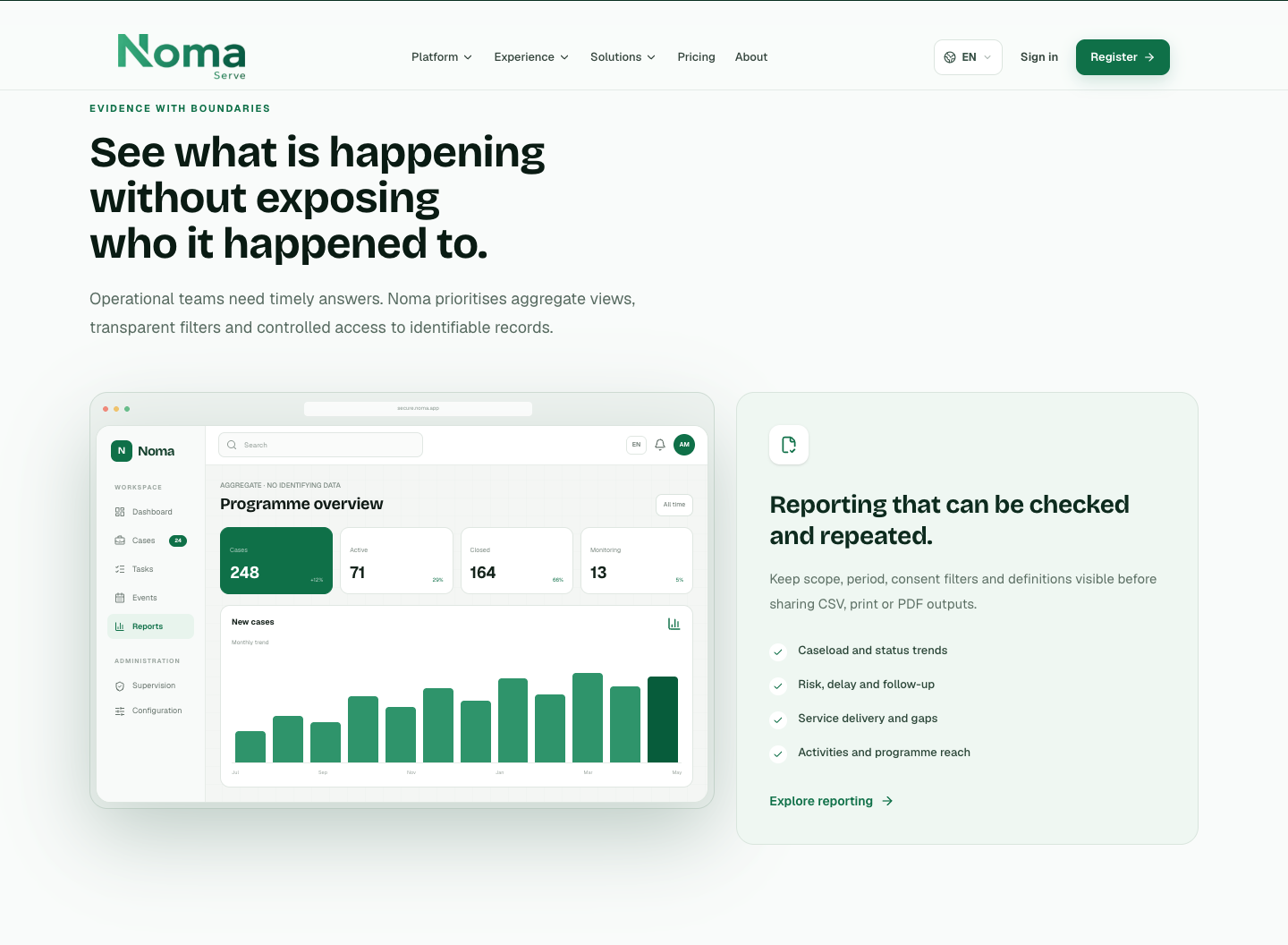
Organizations can configure Noma’s forms, workflow stages, permissions and languages around their own procedures. Access can be limited by responsibility, including case assignment and individual sections or fields. Reporting offers an overview of activity without requiring every user to see identifying information. The browser-based interface works across desktop, tablet and mobile devices.
We want organizations around the world to be able to use Noma. Ease of use and affordability are central to how we are developing it, especially for teams that need a practical system without unnecessary complexity. Our work on Noma follows the same approach we bring to client projects: understand how people work, connect the information they need and leave room for the software to adapt as their needs change.
If your organization needs a better way to manage beneficiaries, casework or recurring services, explore Noma at nomaserve.com. You can also talk to the CreateGo team about your current process and how Noma could be configured to support it.
Key Points
Apply what you've read — get a free consultation from the CreateGo team.